

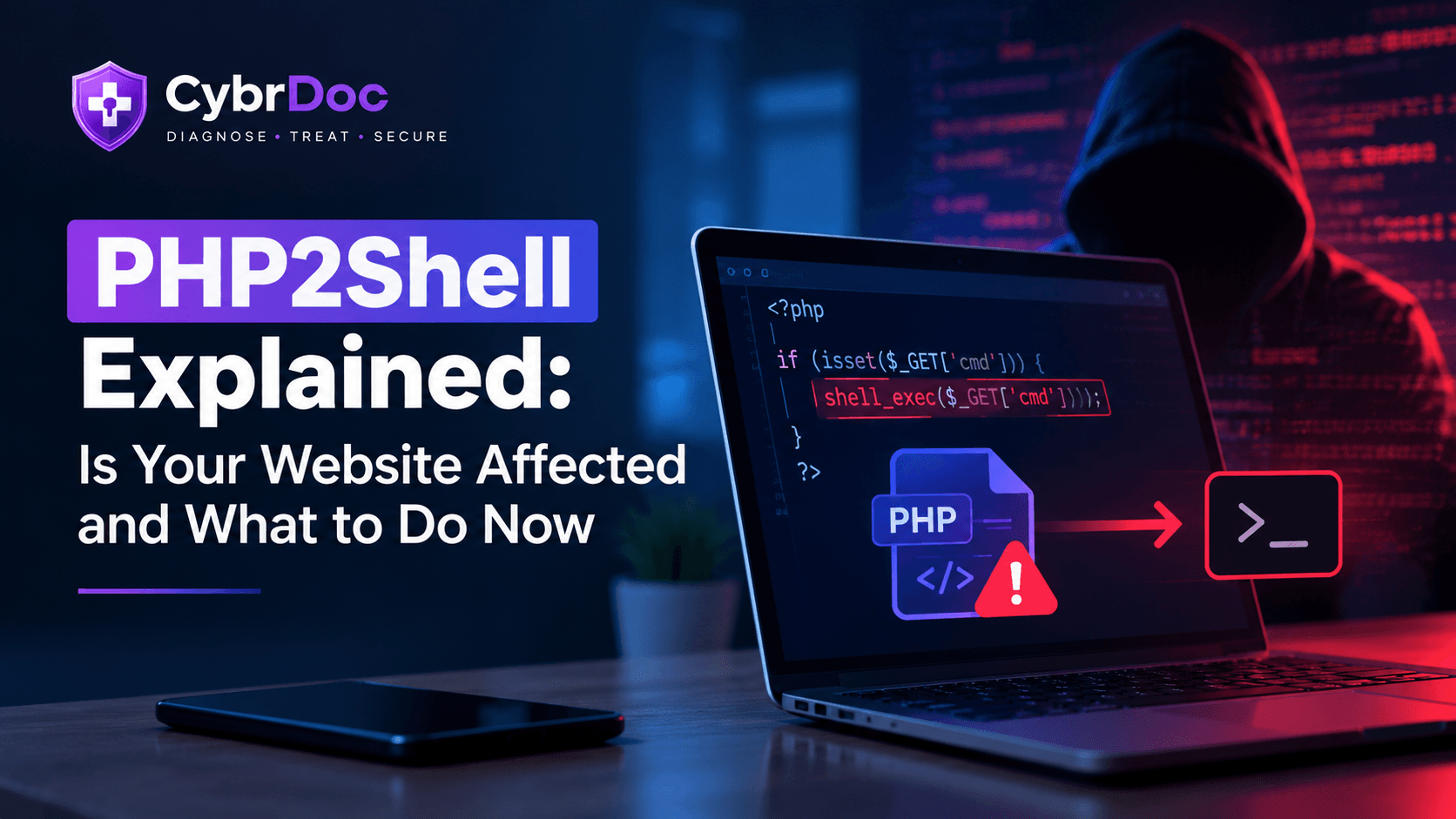
If you own a website, run an online shop, or pay someone to look after your site, you may have seen the word "PHP2Shell" in the news this week. Some websites were taken offline. Governments and security agencies issued warnings. Hosting companies rushed out updates.
If you're not a technical person, most of the coverage probably went over your head. This article explains what happened in plain English, how to check if your website is affected, and what to do about it, without panic and without jargon.
What Is PHP2Shell, in Simple Terms?
PHP is a programming language that runs behind a huge share of the internet. Roughly 7 out of 10 websites use it in some way. If your website is built on WordPress, Drupal, Joomla or Magento, it runs on PHP, even if you've never heard of it.
On 21 October 2026, two serious security flaws in PHP itself were made public. They've been nicknamed "PHP2Shell" (the name echoes an infamous flaw from a few years ago called Log4Shell). The two flaws are tracked as CVE-2026-109618 and CVE-2026-109619.
You don't need to remember those numbers. What matters is what they allow: a stranger on the internet could take control of an unpatched website server without needing a password, an account, or any help from you.
Both flaws were given a severity score of 9.2 out of 10. That's about as serious as these ratings get.
Why Everyone Is Taking This Seriously
A few things make this different from the usual security news:
It's in PHP itself, not in your website. Most security problems live in a plugin or a theme, and you fix them by updating that plugin or theme. This one is deeper. It's in the engine underneath your website. That means updating WordPress or your plugins is not enough on its own.
It affects a huge number of sites. Because PHP is so widespread, a very large number of websites, shops, hosting control panels and business tools are potentially exposed.
The details leaked early. Normally, security researchers tell the software maintainers first, and a fix is ready before the public hears about it. Here, working details reportedly became public before fixes were available. Some organisations, including a few universities and hospitals, took their websites offline as a precaution while they waited.
Attacks have been reported. Reports differ on how widespread the attacks are, so it's worth being honest about that uncertainty. What security teams have described is mostly opportunistic: attackers scanning for vulnerable sites and trying to plant hidden backdoors or install software that secretly uses a site's computing power. Nobody can say exactly how many sites have been hit.
The good news: fixes now exist, and checking your own situation takes about ten minutes.
So, Is Your Website Affected?
You're probably affected if any of these are true:
- Your website runs on WordPress, Drupal, Joomla or Magento
- Your website was built by an agency or freelancer and you're not sure what it runs on
- You use shared hosting, a hosting control panel, or a managed WordPress host
- You have an old website, a forgotten subdomain or a test site still online somewhere
You're probably not affected if your site is built on a platform that doesn't use PHP, or on a website builder where the company handles everything for you. Even then, it's worth a quick check with them.
(For what it's worth, the CybrDoc website itself isn't built on PHP, so it isn't affected. But plenty of the sites our readers run are.)
How to Check, Step by Step
You don't need to be technical. Here's the simplest route.
Step 1: Find Out Who Looks After Your Hosting
Most people have one of three setups:
- You pay a hosting company directly (for example, a company you log into with a dashboard)
- A web agency or freelancer manages it for you
- A website builder or managed service handles it
Whoever it is, they're the person to ask. If an agency built your site, find out who actually owns the hosting account, because that's who can make an emergency change.
Step 2: Check Which PHP Version You're Running
If you use WordPress:
- Log in to your WordPress dashboard
- Go to Tools, then Site Health, then the Info tab
- Look for the section about the server, where it shows your PHP version
You can also look in your hosting dashboard for something called "PHP Settings", "PHP Manager", "Select PHP Version" or similar. The name varies from host to host.
Step 3: Compare It to the Fixed Versions
The PHP project has released fixes in these versions: 8.2.35, 8.3.36, 8.4.27 and 8.5.12. If you're running an older release within those families, you need an update.
If your site runs on PHP 8.1 or older, there's a bigger problem. Those versions no longer get regular updates from the PHP project at all. The sensible move is to upgrade to PHP 8.3 or newer. Test on a copy of your site first, because older plugins and themes sometimes break on newer versions.
One important catch: some hosting companies fix the problem without changing the version number you see. So a version number alone doesn't prove you're safe or unsafe. The most reliable step is to ask your host directly.
Step 4: Ask Your Host One Clear Question
Send your hosting provider or agency a short message like this:
"Hi, can you please confirm that the PHP running on my website has been updated to fix PHP2Shell (CVE-2026-109618 and CVE-2026-109619)? And can you confirm the update is actually live, not just installed?"
That last part matters. On many servers, the update only takes effect once the PHP service restarts. A good provider will know exactly what you mean.
What About Updating WordPress and Plugins?
Do it, but understand it's not the fix for this problem.
Keeping WordPress, themes and plugins up to date is always good practice, and we cover it in our guide to simple cybersecurity checks anyone can do. But PHP2Shell is a problem in the layer underneath. A fully updated WordPress site on an unpatched PHP is still exposed.
Think of it like a house. Updating your plugins is like fixing the locks on your doors. This flaw is more like a crack in the foundation. Both matter, but only one of them is the problem this week.
Can a Firewall Protect Me?
Partly, and only as a temporary measure.
Some large security and internet companies have added protections on their networks that block known attack patterns, which helps buy time. A web application firewall can reduce your exposure in situations like this. But it's a safety net, not a repair. The real fix is updating PHP itself, and no firewall setting replaces that.
What If You Can't Patch Right Away?
Sometimes you can't. Maybe your host hasn't released the update yet, or your site depends on an old version that needs testing first.
In that case, security agencies have advised that exposed systems which can't be fixed promptly should be restricted or temporarily taken offline until they can. That's a real business decision with real costs, so talk it over with your host or developer rather than deciding alone. For a small brochure website, a few hours of downtime is usually far cheaper than a compromised server.
After You Patch: Check Whether Anything Got In
This step is the one people skip.
Updating closes the door. It doesn't tell you whether someone already walked through it before you did. Attackers who got in earlier can leave hidden access behind, and that survives the update.
After patching, it's worth checking for warning signs:
- Pages or files on your site that you didn't create
- Your website suddenly running slowly, or your hosting bill or resource usage jumping
- Visitors being redirected to strange websites
- Warnings from Google or your browser about your site
- Unfamiliar admin users in your WordPress dashboard
- Emails from your hosting company about unusual activity
If you notice any of these, don't panic and don't just delete things. Contact your host and a security professional first, because deleting files can destroy the evidence needed to understand what happened. If you think you've been compromised, our incident response service is built for exactly this situation.
A Quick Checklist
- Find out who manages my hosting
- Check which PHP version my site runs
- Ask my host to confirm the PHP2Shell fix is live (not just installed)
- Upgrade anything running PHP 8.1 or older
- Find forgotten sites, test sites and old subdomains that might also run PHP
- Check for warning signs of compromise after patching
- Keep an eye on my host's announcements for the next few days
Frequently Asked Questions
Do I need to be technical to deal with PHP2Shell?
No. The most important step is simply asking your hosting provider or developer to confirm the fix is in place. You don't have to apply it yourself.
I'm on shared hosting. Is my provider handling this?
Most reputable hosts have been rolling out fixes, but don't assume. Check their support page or announcements, and ask directly if you can't find anything. On shared hosting, you generally rely on the provider to patch PHP for you.
My site is built on WordPress. Is it hacked?
Not necessarily. Being affected means your site could have been vulnerable, not that it was attacked. But it's worth checking for the warning signs above after you've confirmed the fix is applied.
Will updating PHP break my website?
It can, particularly if you're jumping from a very old version and use older plugins or themes. That's why it's best to test on a copy of your site first when you can, and to make a full backup before any change.
Is this as bad as people say?
It's genuinely serious, because it affects PHP itself and doesn't require a password to exploit. But it's also fixable, and the steps above are straightforward. Acting calmly and quickly is far more useful than worrying.
How can I avoid being caught out next time?
Nobody can prevent every flaw, but a few habits make a big difference: know who manages your hosting, keep a simple record of what your website runs on, stay off end-of-life software versions, and take regular backups. Fast, calm responses to news like this come from knowing those basics in advance.
The Bigger Lesson
PHP2Shell won't be the last flaw like this. Software that quietly powers most of the internet will keep having problems, and the gap between a flaw becoming public and attackers using it keeps getting shorter.
The businesses that handle these moments well aren't necessarily the most technical ones. They're the ones who know what their website runs on, who looks after it, and who to call.
If you'd like a second pair of eyes on your website's security, we're happy to help. You can read more about how we approach secure web development and security risk assessments, or email us at mail@cybrdoc.com for a free, no-obligation chat.